Quick Price
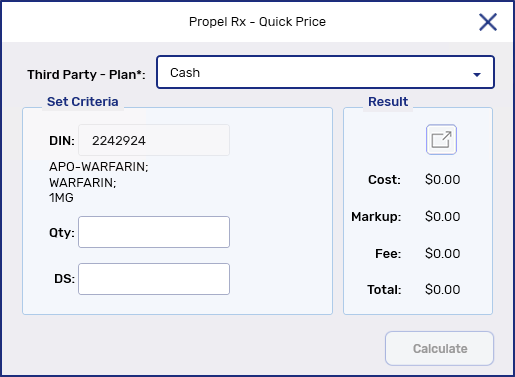
The Quick Price window can be used to check the price of a prescription before third party adjustments. The price can be calculated without entering a prescription.
-
Dropdown the Third Party - Plan* field and select the third party plan you want to calculate the price for. Cash is the default selection.
Different third party plans may have different prices depending on Fixed and Variable Pricing Rules.
-
Enter the quantity and days supply for the prescription.
-
Select Calculate.
-
The Cost, Markup, Fee, and Total appear in the Result section on the right hand side. Select  for a detailed breakdown of the prescription price.
-
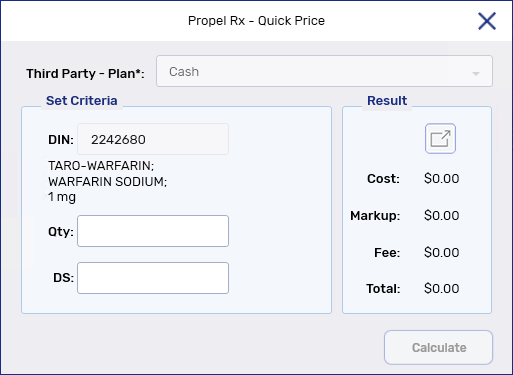
Enter the quantity and days supply for the prescription.
-
Select Calculate.
-
The Cost, Markup, Fee, and Total appear in the Result section on the right hand side. Select for a detailed breakdown of the prescription price.